How it works
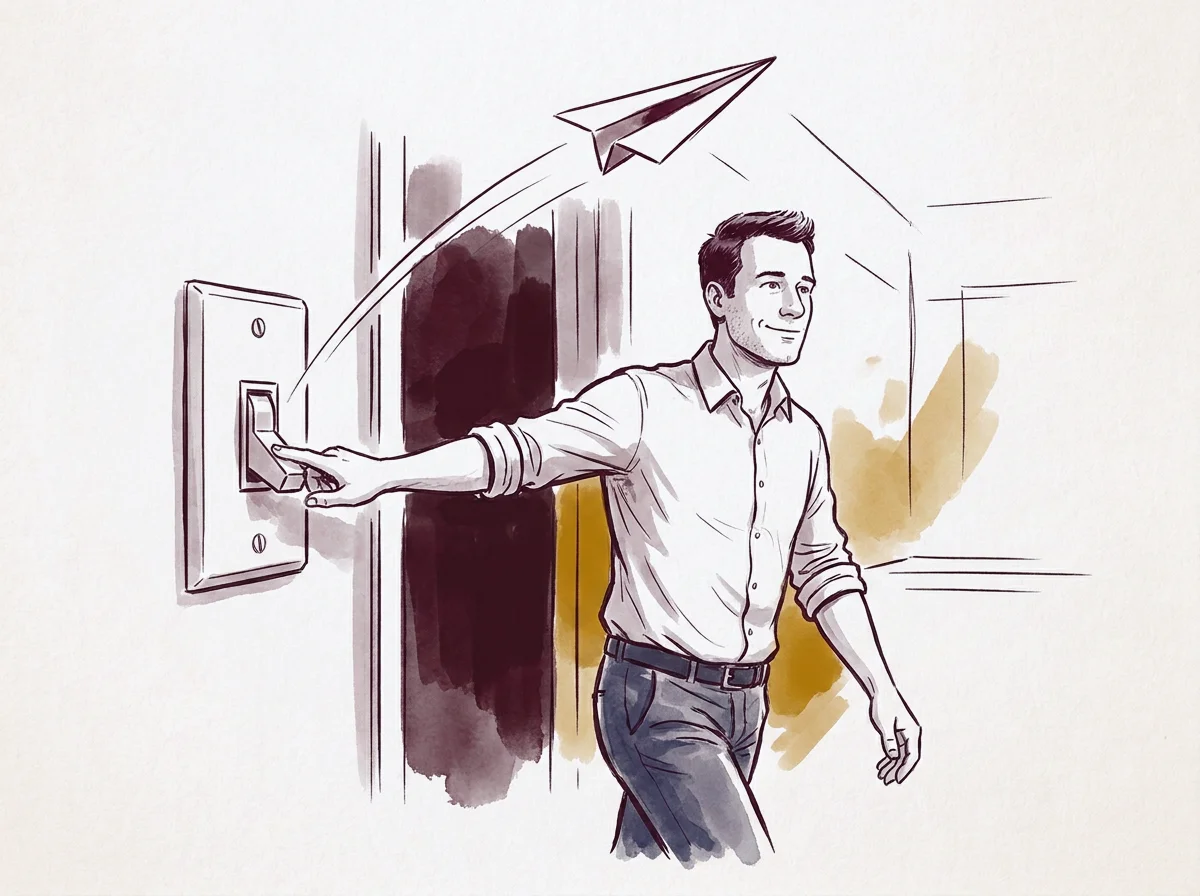
From fifteen clicks to zero.
Easy-Ebox follows your official channels and forwards every new message to the address you chose. What you do with your mail today does not change. What disappears is the portal.
Three steps, and after that nothing
You set it up once. After that, nobody needs to do anything: no weekly check, no extra screen.
- Step 1
Connect your e-Box Enterprise
You connect your company’s e-Box Enterprise to Easy-Ebox, and MyMinfin the same way. From that moment, Easy-Ebox follows those channels for you and recognises every new message.
- Step 2
Choose a mailbox per message type
You decide which address each type of message goes to. Tax messages to accounting, social messages to HR, fines and decisions to the manager, or everything to one central address. Change it whenever you want.
- Step 3
Receive everything automatically
Every new message arrives in your mailbox, document included. You handle it like the rest of your mail.
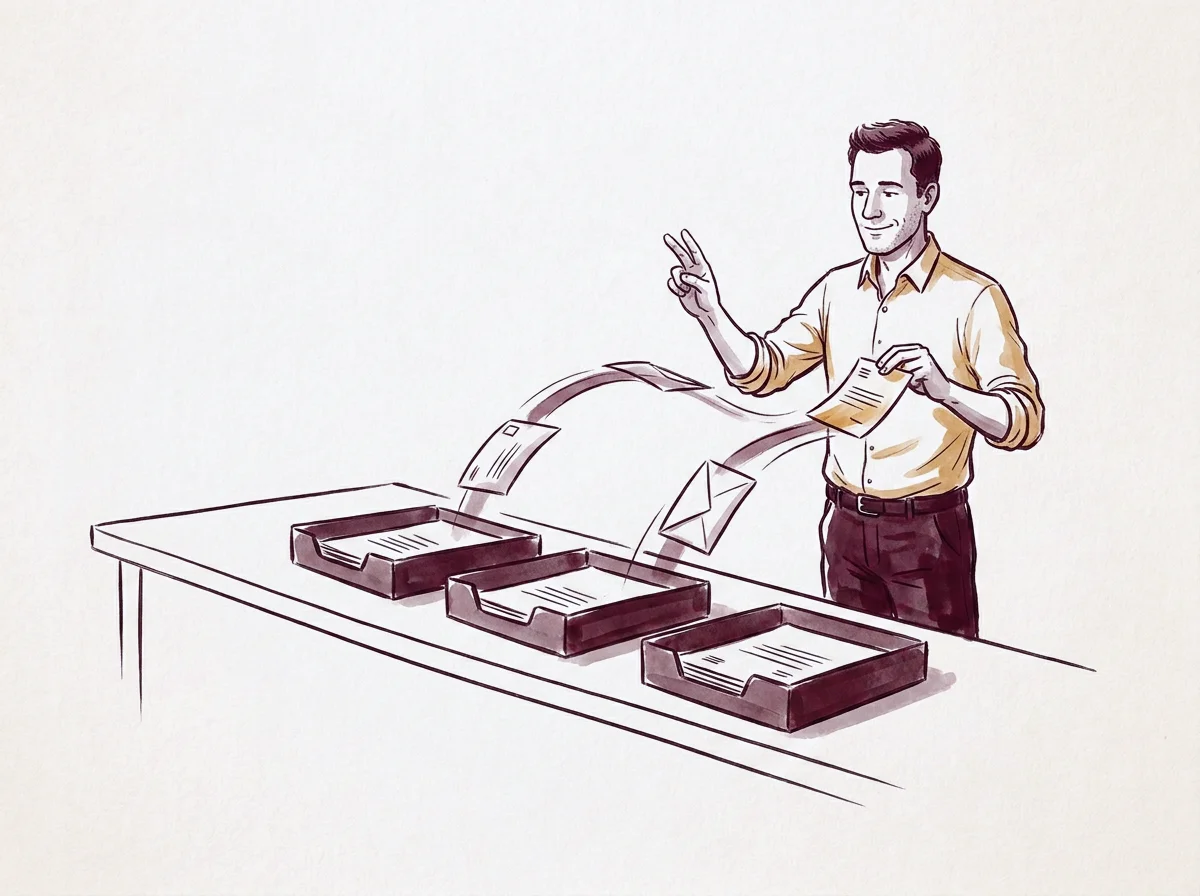
Each message with whoever handles it
A tax assessment is for the accountant, a social security letter for HR, a fine for the manager. Easy-Ebox puts each message directly with the right person, unless you prefer everything on one address.
-
Tax messages
Accounting or accountant
Tax assessments, reminders and payment requests land with whoever follows the numbers.
-
Social messages
HR or the payroll office
Messages about staff and social contributions go to the address that handles those files.
-
Fines and decisions
Manager or directors
Messages that carry a deadline go to whoever can decide.
-
Everything you do not route separately
One central address of your choice
Whatever falls under no rule arrives at the address you set as the default.
A shared mailbox works well here: the message lands with the team, not with one person who happens to be away that day.
What the connection changes
Today, reading one message easily costs you fifteen clicks: notification, portal, CSAM, itsme, error message, retry, download the pdf, forward it yourself. After the connection it costs zero. The message sits in your mailbox, document included, and Easy-Ebox only speaks up when there really is something. The colleague without portal access now simply sees it too.
The messages themselves stay official and remain available in e-Box Enterprise for as long as the sender leaves them there. Meanwhile your mailbox keeps your own copy, even after the e-Box has deleted a message.
Today
- Notification
- Log in to the portal
- CSAM
- itsme
- Error message, retry
- Download the pdf
- Forward it yourself
With Easy-Ebox
- New message
- Your mailbox, with attachment
What disappears is the portal.
Set it up once, and forget the portal.
Try Easy-Ebox free while we are in our pilot phase. No credit card needed. After that, 5 euros per month per linked company.
See pricing